View restricted unions
The Restricted unions function enables you to search for and view the contact details of restricted unions, and to download these details to a CSV file.
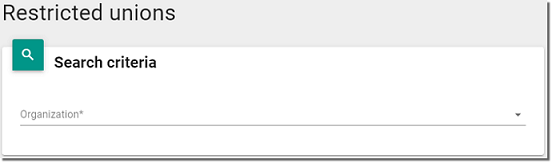
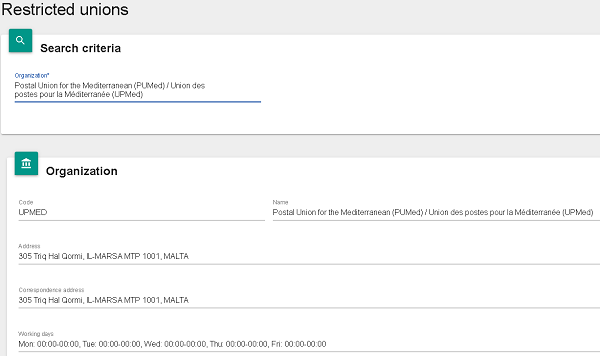
- Select the restricted union from the Organization drop-down list. LAHSO displays contact information for the selected restricted union, including its address, working hours, default method of communication, telephone numbers, members (UPU member countries), and key contacts.
- To view the details of a particular contact, scroll down to List of Contacts and click on the
 View icon for the desired contact. The View Published Contact Information window is displayed, enabling you to:
- export the details of the published contact as a business card;
- copy the details of the published contact to the clipboard.
To close this window, click on the Close button.
You can also export all of the information displayed on your screen to a CSV file. See the Export information for details of the various export options.